

ConnectMe is Dstny's web application for calls, voicemail, chat and presence. You sign in with the same Dstny username and password you use for other Dstny services.
What you need
Your administrator sends you three things:
-
The web address (URL) of ConnectMe https://connectme.dstny.se/
-
Your username, usually your email address.
-
Your password. If you already use the Dstny softphone, it is the same password. If you do not use a softphone, reset the password at your first login.
Sign in for the first time
-
Open the web address in Chrome, Firefox or Edge.
-
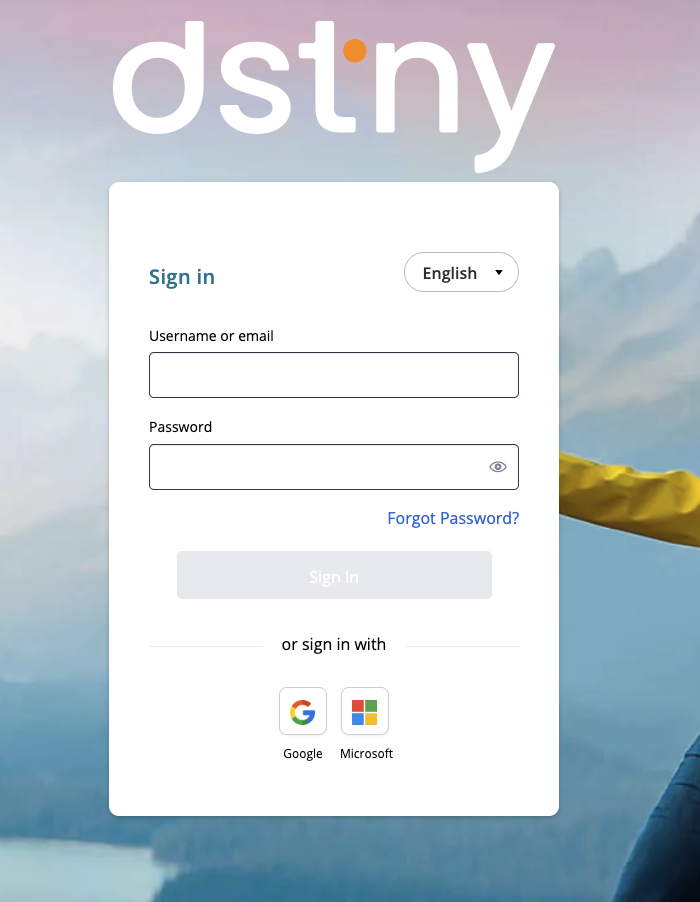
Pick your language in the drop-down next to "Sign in" if the default is not right.
-
Enter your username and password, then select Sign in.
-
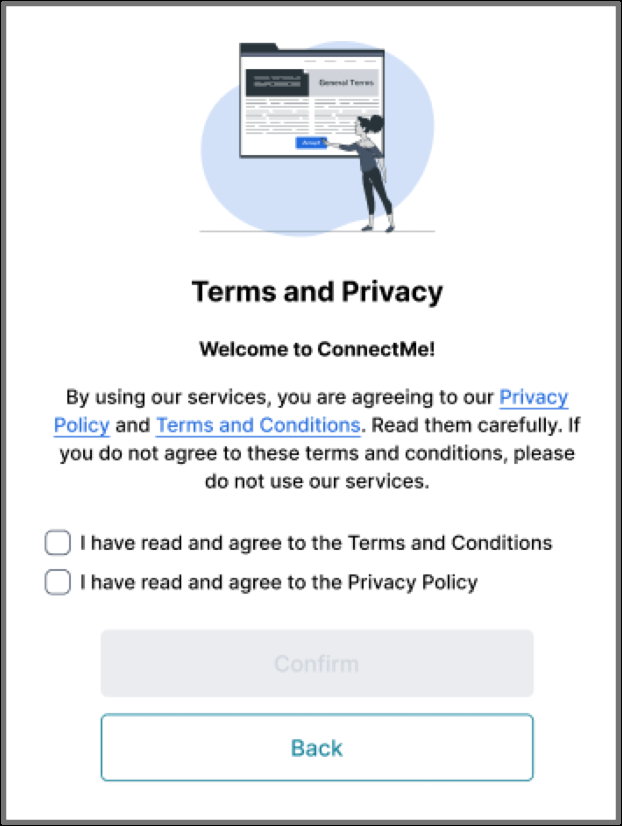
Read the Terms and Conditions and the Privacy Policy. Tick both boxes ("I have read and agree...") and select Confirm. The Confirm button stays grey until both boxes are ticked.
Sign in with Microsoft or Google
If your company has set up single sign-on (SSO) in Dstny Core, the login page shows Microsoft and Google buttons under "or sign in with". Select the one your company uses.
For SSO to work, sign in with the same email address that is registered on your Core user.
Emergency calls
ConnectMe does not support emergency calls. The first time you connect, a warning tells you to use a mobile phone or a landline for emergency numbers. Your service provider can change the wording of this message in the branding package. If none is set, ConnectMe shows its default message. For the reasoning, see the ConnectMe FAQ and Troubleshooting guide.
Sign out
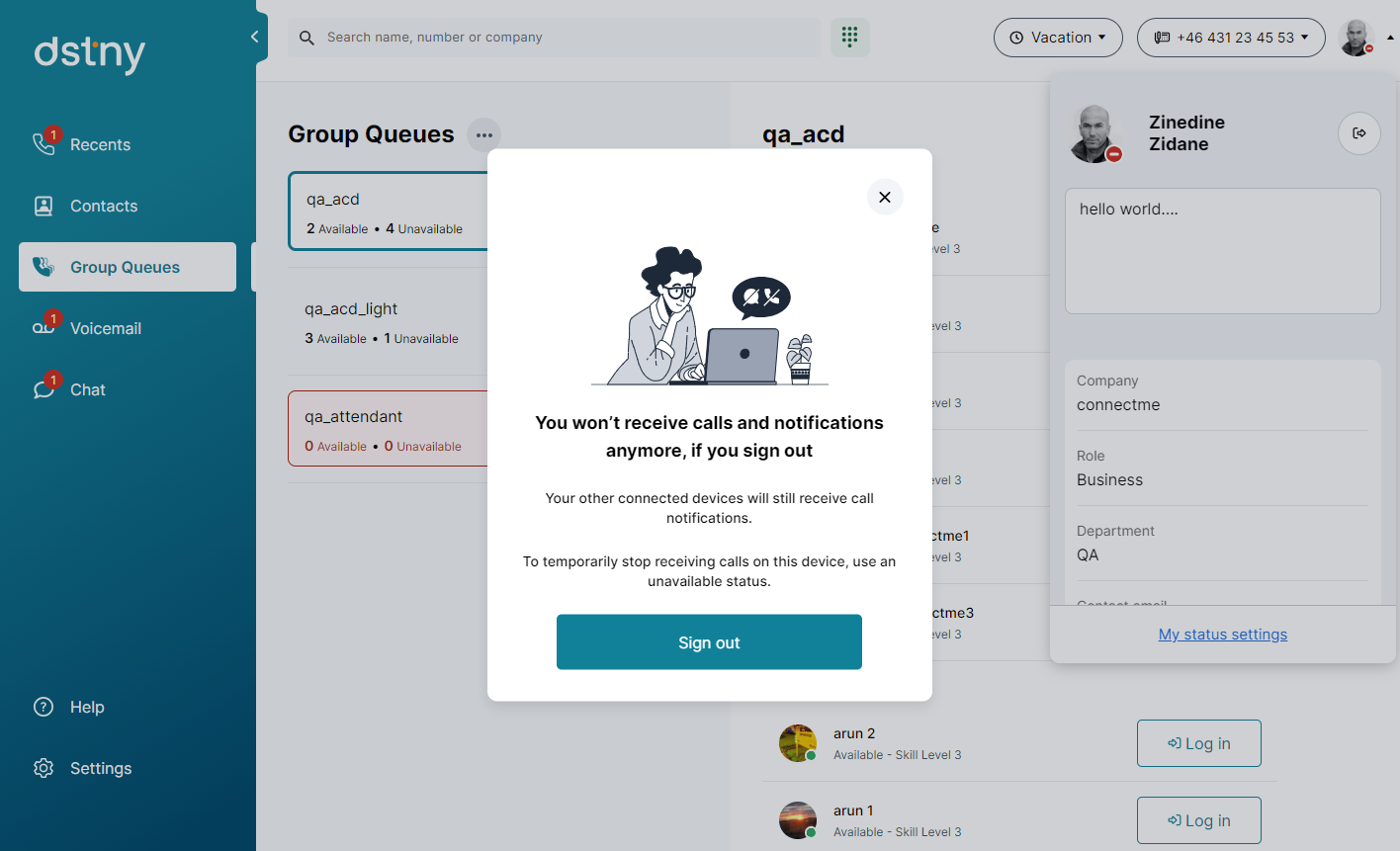
Select your avatar in the top right corner and choose Sign out. Before ConnectMe 1.7, the sign out option was in the menu.
If you cannot sign in
Check that your browser is supported (see the ConnectMe FAQ and Troubleshooting guide), then ask your administrator to confirm that your user has a ConnectMe licence. Without a softphone licence you can still sign in to change your status and notes and to see the contact list, but you cannot make or receive calls.