

ConnectMe lets you write to colleagues and contacts by chat, SMS and email, and move between writing and calling.
Chat
Chat needs a chat licence. One-to-one chat has been available since ConnectMe 1.5 and group chat since 1.12.
With chat you can:
-
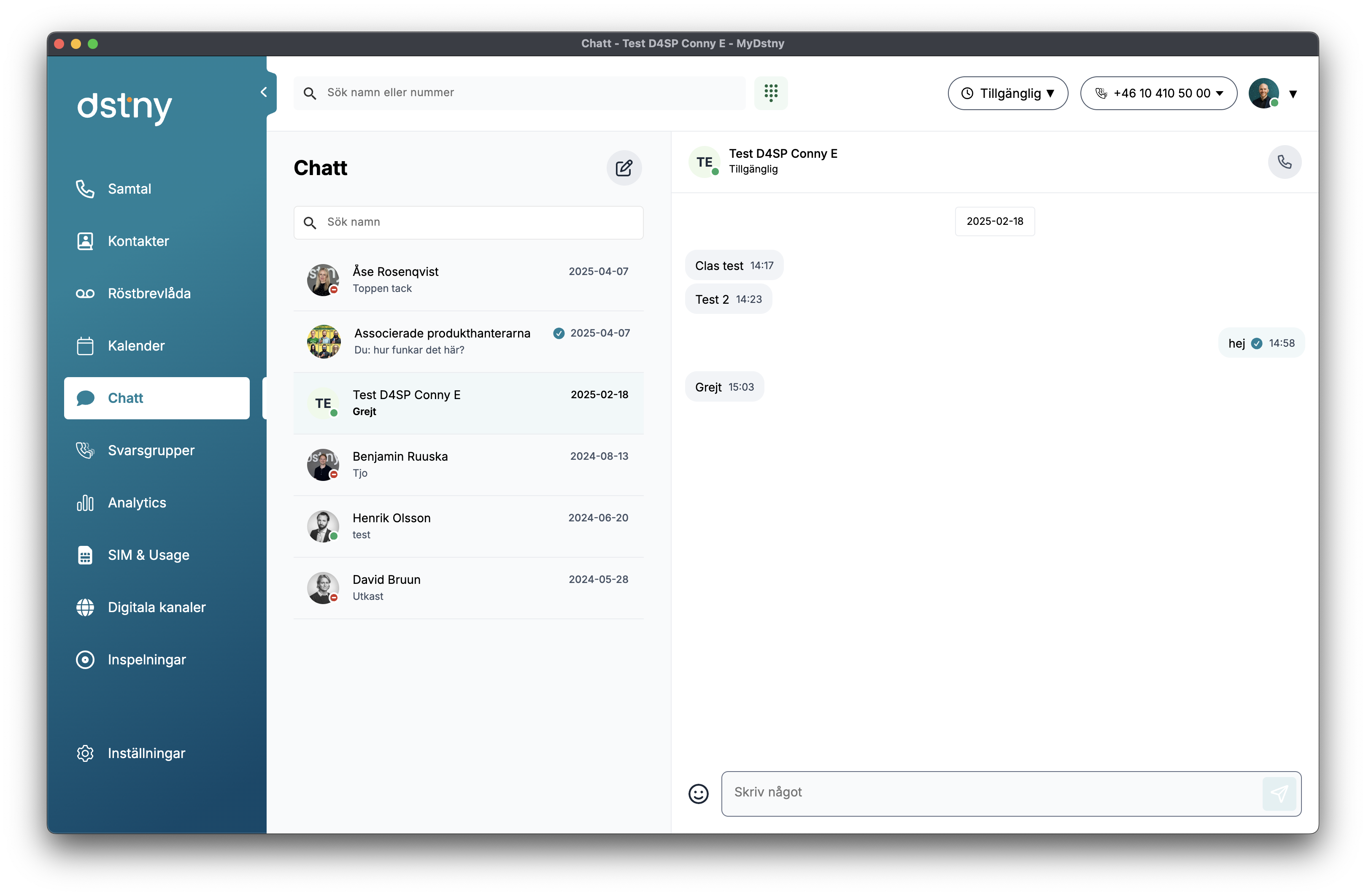
chat with colleagues and see notifications for unread messages
-
see whether colleagues have read your message
-
reply to, edit and forward messages
-
react to a message with an emoji
-
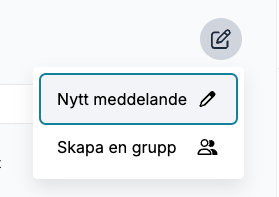
start a group when you talk to more than one person and manage its members
ConnectMe makes all members of a group chat administrators, to keep management simple in a company. You can switch from chat to a call and back.
How long chats are kept
ConnectMe keeps chat messages for two years from the day they are created, then deletes them permanently and automatically. Files and images shared in chats follow the same two year period. If you need to keep important information or files longer, save them outside ConnectMe.
SMS
When you are not in a call:
-
Click the SMS icon to open the message widget.
-
Write your message. You can send it to up to 25 people at once.
-
If your administrator has set this up in Core, choose the sender (SMS originator) before you send.
When you are in a call, you can add details about the ongoing call to the message. If you have several calls, choose which call's details to include. This works from ConnectMe 1.21.
You can also click SMS in the call widget to text the caller.
Email
During a call, click a contact's email address. Your default email program opens with the recipient filled in and the call details added to the message body.