

Call log
The Recents tab shows your call history with the newest call first. You see missed, incoming and outgoing calls with the date and the name or number of the other person. The log includes calls from all devices connected to your account. Call recordings appear here too, when available.
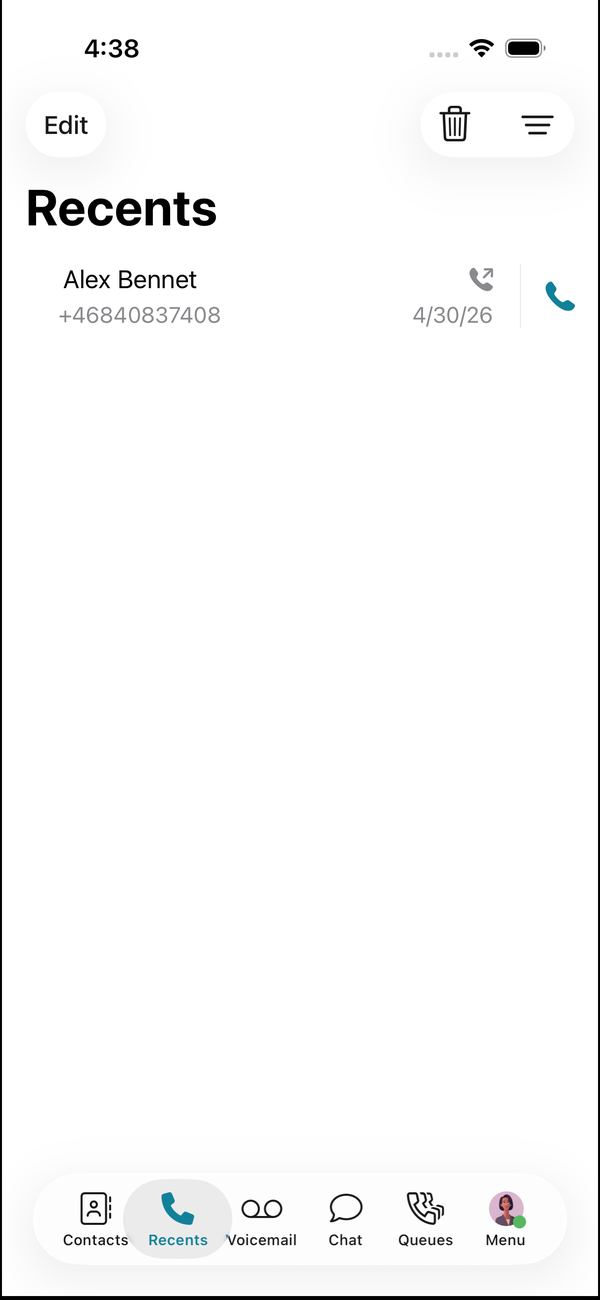
Each entry shows the other person's current presence status, if available, and links to their contact details. From there you can see earlier history and add them to your contacts.
Filter the log
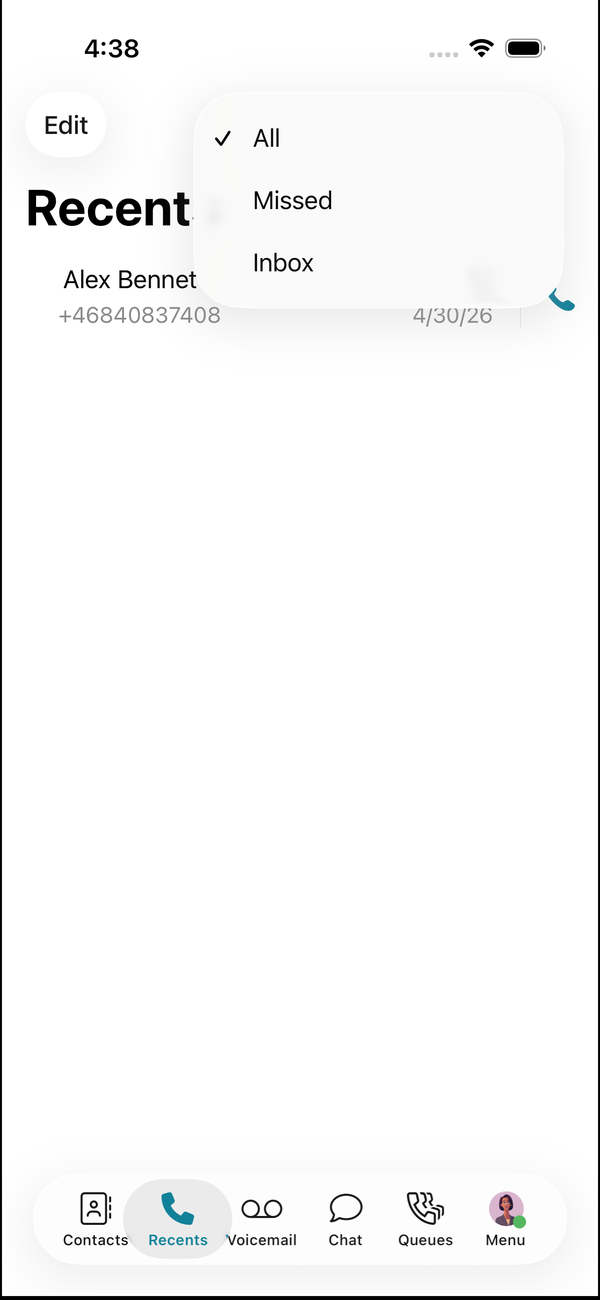
Filter the log by All, Missed or Inbox. The Inbox filter shows your call recordings. The Recents tab shows a badge with the number of new missed calls.
Delete entries
-
To delete everything in the current filter, tap the bin icon at the top.
-
To delete one entry, tap and hold it and tap delete. On Android you can also swipe left.
Refresh the log
Pull down on the list to load new calls.
Voicemail
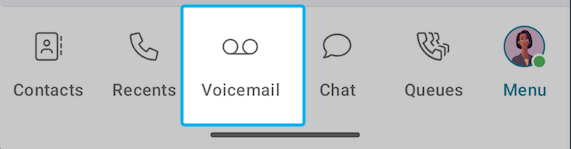
In most setups, voicemail has its own tab in the bottom bar. Tap an entry to play it. Personal call recordings are stored in the same tab. Swipe left to delete an entry, or use Edit to select several and delete them together.
The badge on the app icon on your home screen shows the total of missed calls, voicemails and unread chat conversations.