

Callback lets a caller ask to be called back instead of waiting on hold. Camp-on lets a call wait for one specific agent.
Callback settings
Open the group's settings and go to Callback.
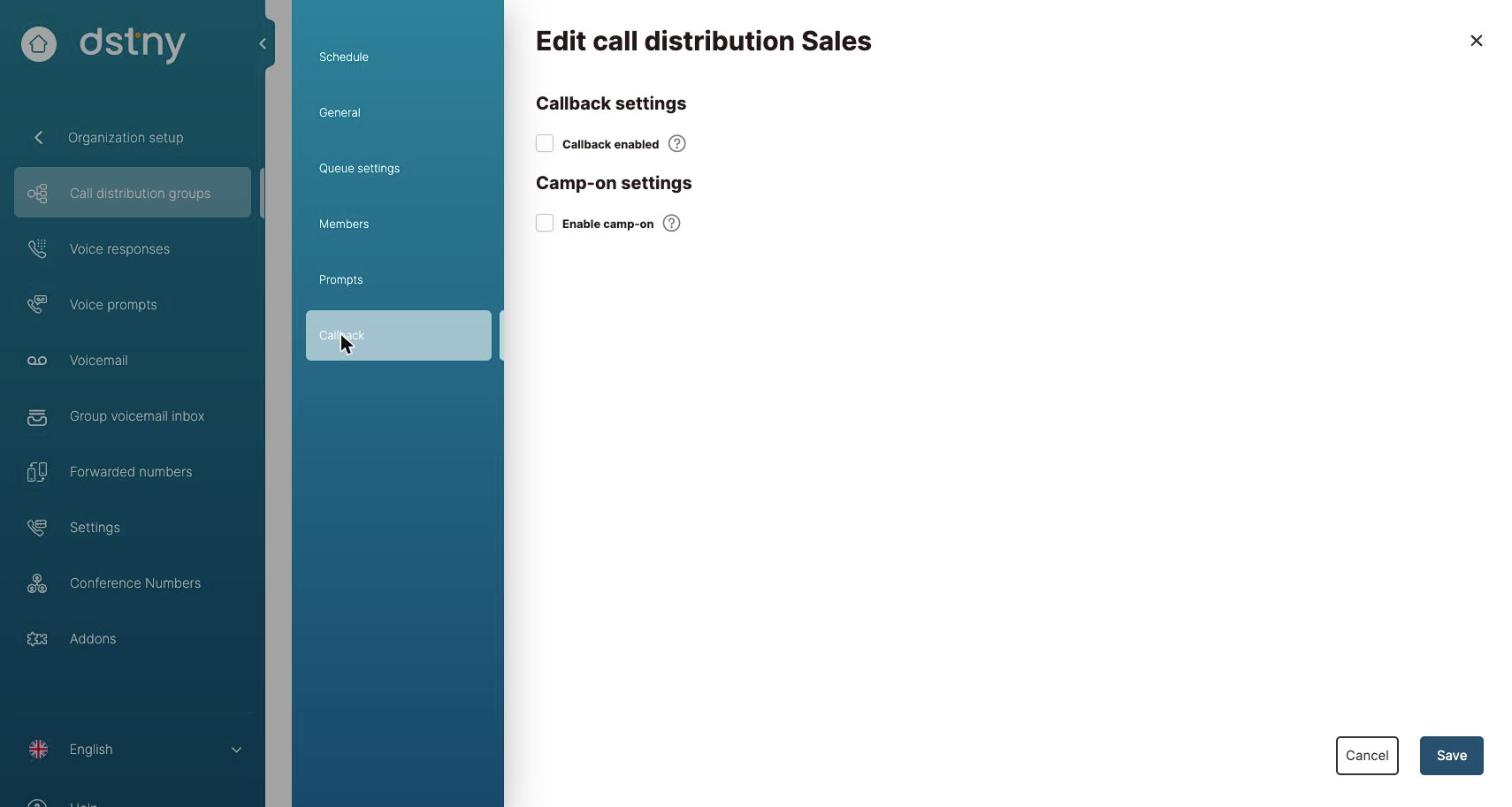
Basic settings:
-
Callback timeout: how long a callback rings before it goes back into the queue.
-
Callback retries: how many times the call is tried.
-
Callback validity timeout: how long a callback stays valid, in minutes.
-
Callback meta-data: information shown to the agent who receives the call.
-
Played prompt for attendant: the prompt the agent hears on a callback.
-
Played prompt for caller: the prompt played when a callback is offered.
When callbacks are offered. A value of 0 turns the condition off, except for the first one:
-
When the queue has been open for: minutes after opening before callbacks are offered. With 0, callbacks are allowed as soon as the queue opens.
-
Number of calls waiting in the queue before callbacks are offered.
-
The longest waiting call has waited for: minutes in the queue before callbacks are offered.
-
Estimated waiting time has exceeded: the estimated queue time before callbacks are offered.
When callbacks stop:
-
When the queue is closing in: how many minutes before closing. With 0, callbacks are allowed until the queue closes.
Camp-on
-
Tick Enable camp-on.
-
Choose after how many seconds an attendant gets a visual notification, and after how many seconds the whole attendant group gets one.
-
To send a failed camp-on call back to the queue, tick Return to queue on failed camp-on and set the time in the field The same alert in.