

Schedules decide when an answer group or voice response is open, closed or forwarding calls. You create them under Organization setup > Call distribution groups, and the same ideas apply to voice responses.
The three states
A group or voice response is in one of three states:
-
Open
-
Closed
-
Forwarded
A schedule can set a default action and play a prompt before the call is distributed. If you turn on Allow any forwarding destination, you can forward to any external number, even without a leading plus sign.
Set weekly opening hours
The weekly setup lets you set opening hours for each day. The calendar view shows the combined schedule for the group so you can see its status at a glance. The list view shows each schedule item that affects availability.
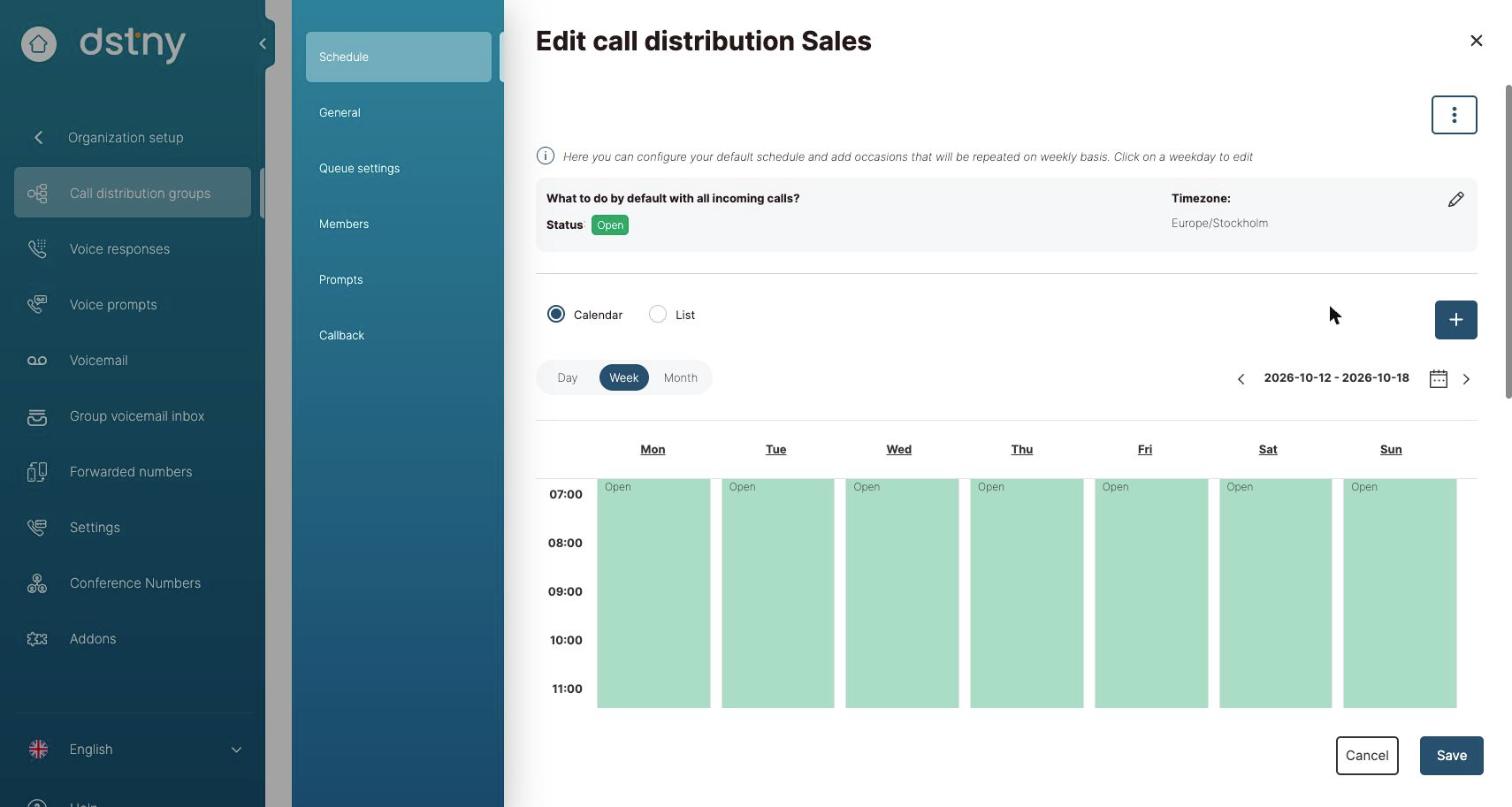
Add holidays
You can add schedule items for public holidays in different regions. Select the holidays you need and add them to the schedule list, then set the prompt or behaviour for each. The day, week and month previews combine recurring events and public holidays. You can save holidays in a template and apply the template to several function numbers.
Plan for conflicts
Each function number has its own schedule priorities, and the schedule with the highest priority wins. When you distribute calls between different types of function numbers, check that their schedules do not conflict. Decide whether holiday items should override regular schedules, and use prompts to tell callers about changed opening hours.