

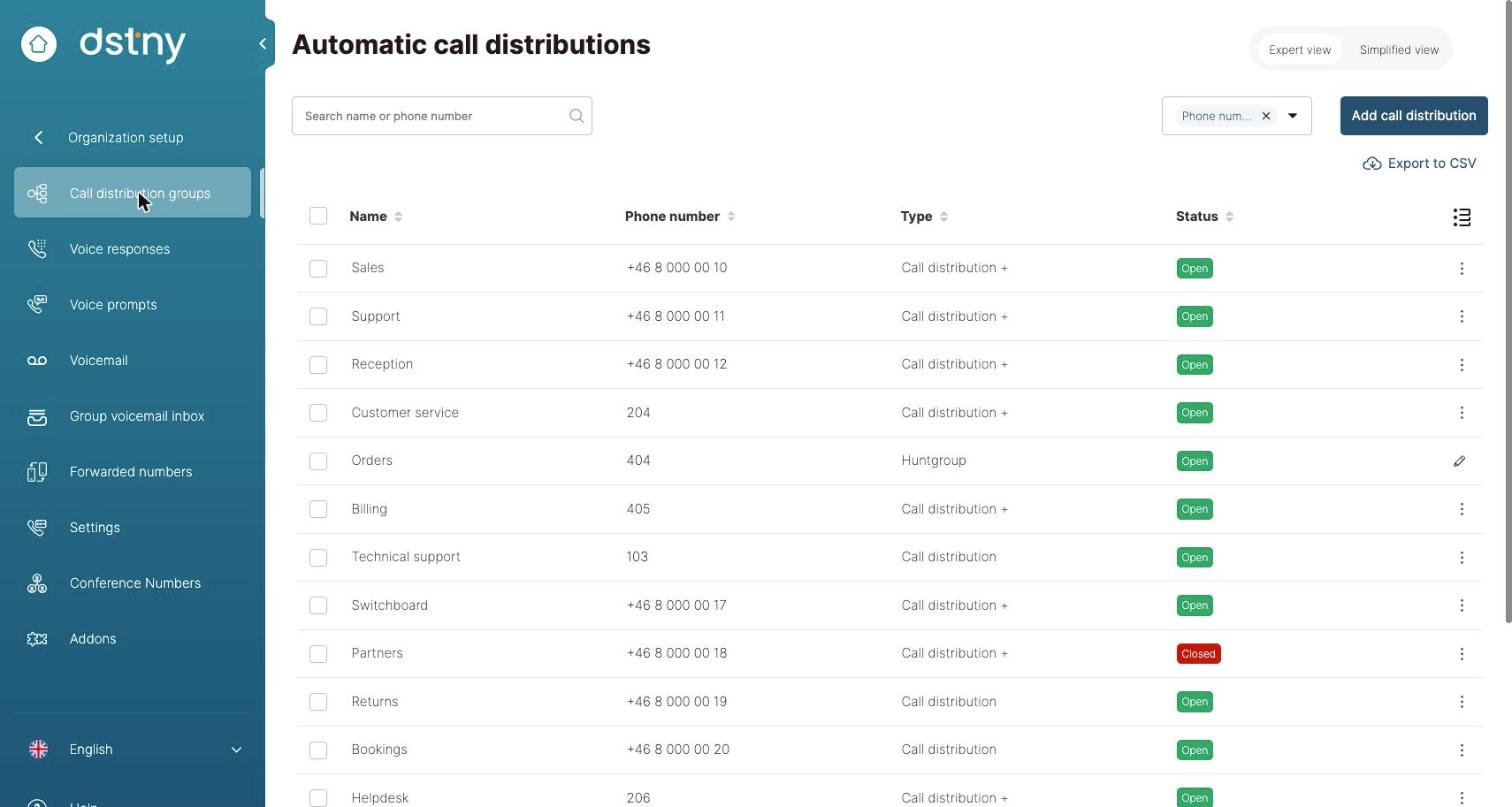
An answer group distributes incoming calls to a team. In MyAdmin it is called a call distribution group. This guide covers how to create one. The Call distribution groups list shows each group's name, phone number, type and status (Open, Closed or Forwarded, based on its schedule).
Why use answer groups
Calls reach the right team quickly and are spread evenly between members. You can send calls to several people at once or in a set order, and you can change members and routing rules as the business changes. Reporting gives you call volumes, response times and other performance figures.
Create an answer group
-
Open Organization setup > Call distribution groups.
-
Select Add call distribution.
-
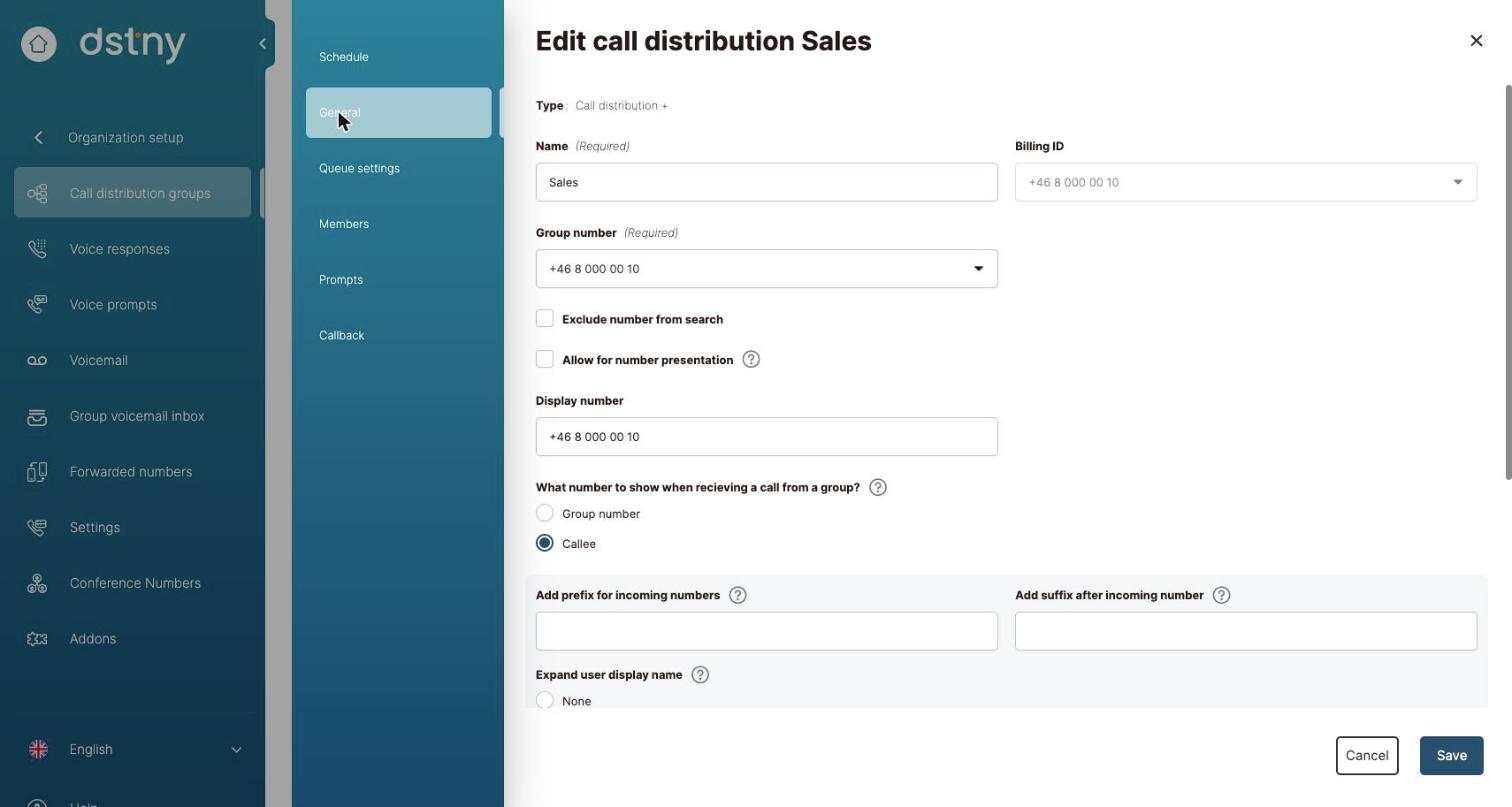
Fill in the fields:
-
Type: Basic or Premium.
-
Name of the group.
-
Group number, chosen from the available numbers in your organisation's number range.
-
Exclude from number search, if the number should not appear in the directory.
-
Allow for number presentation, to present the outgoing number.
-
Display number, to show a fixed number on outgoing calls.
-
Prefer to show group number as calling party, to show the group number on incoming calls.
-
Show calling party number, to show the caller's number instead of the group number.
-
Add prefix or suffix before or after the incoming number, to identify which group a call came through. A suffix helps a member of several groups who answers on a mobile phone, for example 001 added to 010457623.
-
Statistics period. The default is 720 minutes (12 hours).
-
-
Select Save.
Next, set opening hours (Setting opening hours and holidays), queue behaviour (Setting up queue and overflow handling) and members (Adding members, skills and supervisors).