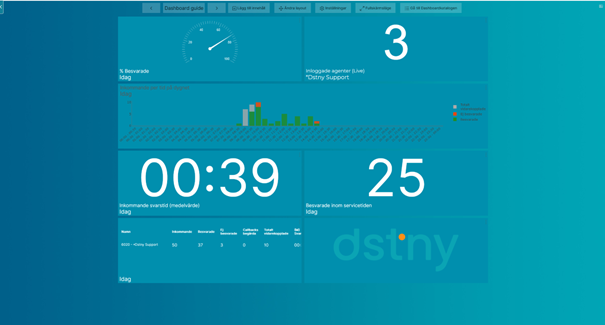
You can share a dashboard with colleagues who use Dstny Analytics, or with anyone through a public link, for example to show it on a wall screen.
Share with your organization
-
Open the Dashboard catalog (Dashboardkatalog) and expand the dashboard card, then click Share (Dela). You can also use the sharing tab inside an open dashboard.
-
Make the dashboard available to everyone in your organization who has access to Dstny Analytics.
Each person only sees the data they are allowed to see. If someone does not have access to the data in a widget, that widget shows an error message.
Shared dashboards appear under Shared Dashboards for the other users. A colleague can make their own copy and change it:
-
Go to Other user's shared Dashboards and click Open.
-
Click Options in the top bar, then Make a copy, and give the copy a name.
-
Find the copy under My Private Dashboards and edit it there.
You can also set a dashboard as My Dashboard so it opens from the menu.
Share with a public link
A public link lets people open the dashboard without logging in. When you turn it on, you can:
-
copy the link
-
show the link as a QR code that others can scan
-
create a new link, which turns off the previous one
-
cast the dashboard to a device that supports Chromecast
Treat the public link like a password. Anyone who has it can see the dashboard. If the dashboard contains sensitive data, handle it carefully, or create a new link to cut off access to the old one.