

Flags, tags and evaluations are part of Call Recording Pro. They help you mark calls for follow up and score how they were handled.
Flag and tag a call
-
Open the recording as described in Finding and playing back recordings.
-
Set a flag on the call. You can use red, green or blue.
-
Add tags using your own parameters, for example a campaign name or a complaint category.
-
Select Save.
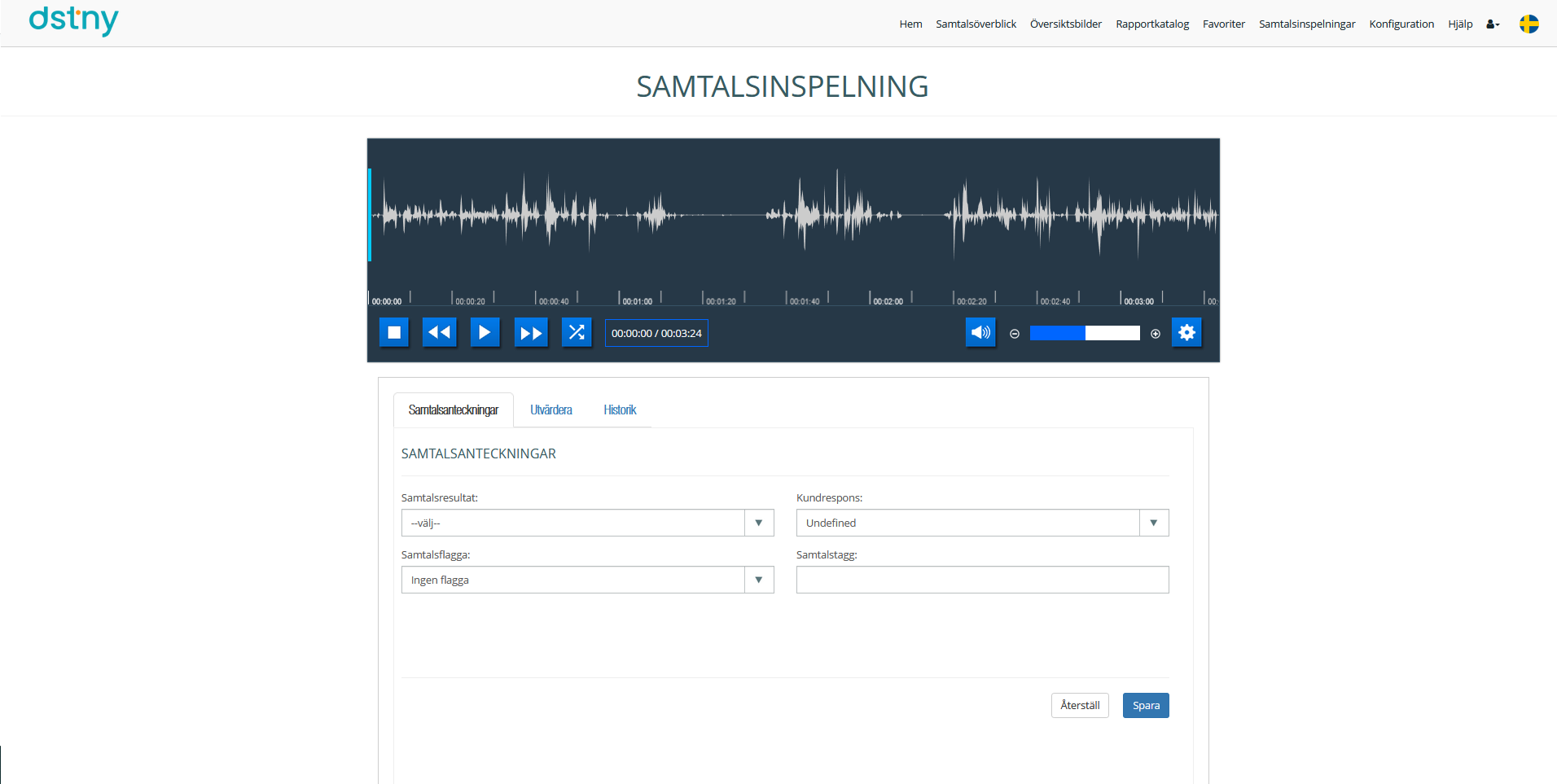
You can later filter the recording list by flag to find the calls you marked.
Evaluate a call
Evaluations let a supervisor score a call and give feedback to the agent.
-
Open the recording and go to the Evaluate tab.
-
Rate each criterion from 1 to 10.
-
Record the customer feedback and the call result if your form includes them.
-
Select Save.
To compare agents or see which areas need work, use the evaluation statistics in the Reports Catalogue.
Change the evaluation form
Administrators set up the questions in Configuration, then Call Evaluation. There you can change the evaluation questions, the customer feedback options and the call result options. The changes show up the next time someone plays back a call.