

Voice prompts are the audio messages that callers hear in voice responses, queues and voicemail. Open Organization setup > Voice prompts to manage them. Music on hold is also set up for the organisation here.
Find a prompt
The list shows your prompts. Tick the checkbox next to the search field to include the standard system prompts. Search by the name of the prompt or by its comment or description.
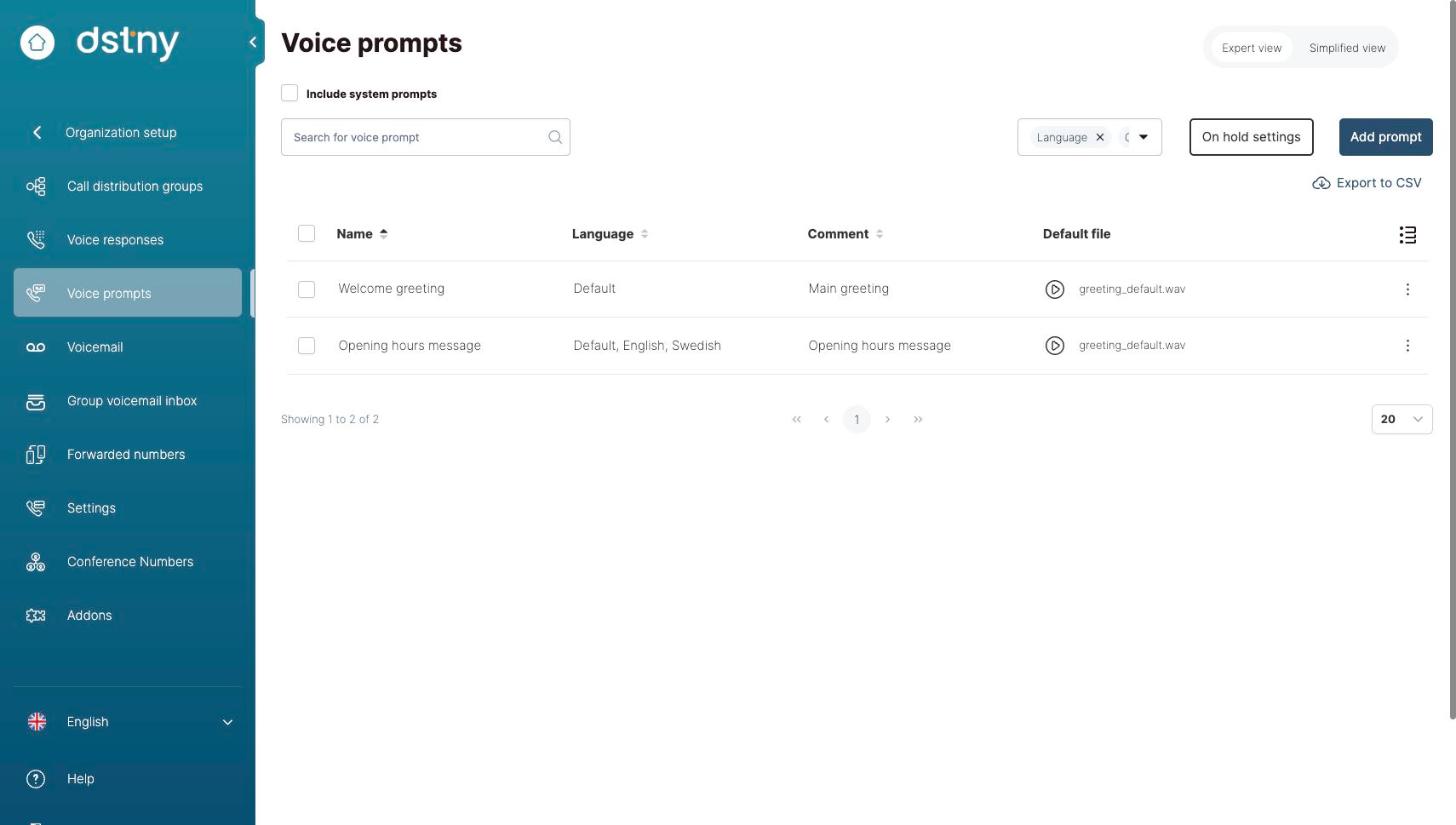
Add or change a prompt
A prompt has these fields:
-
Name of the prompt.
-
Comment, a description that is shown when you edit the prompt.
-
Audio file, which sets the language of the media.
-
Description, set for each language.
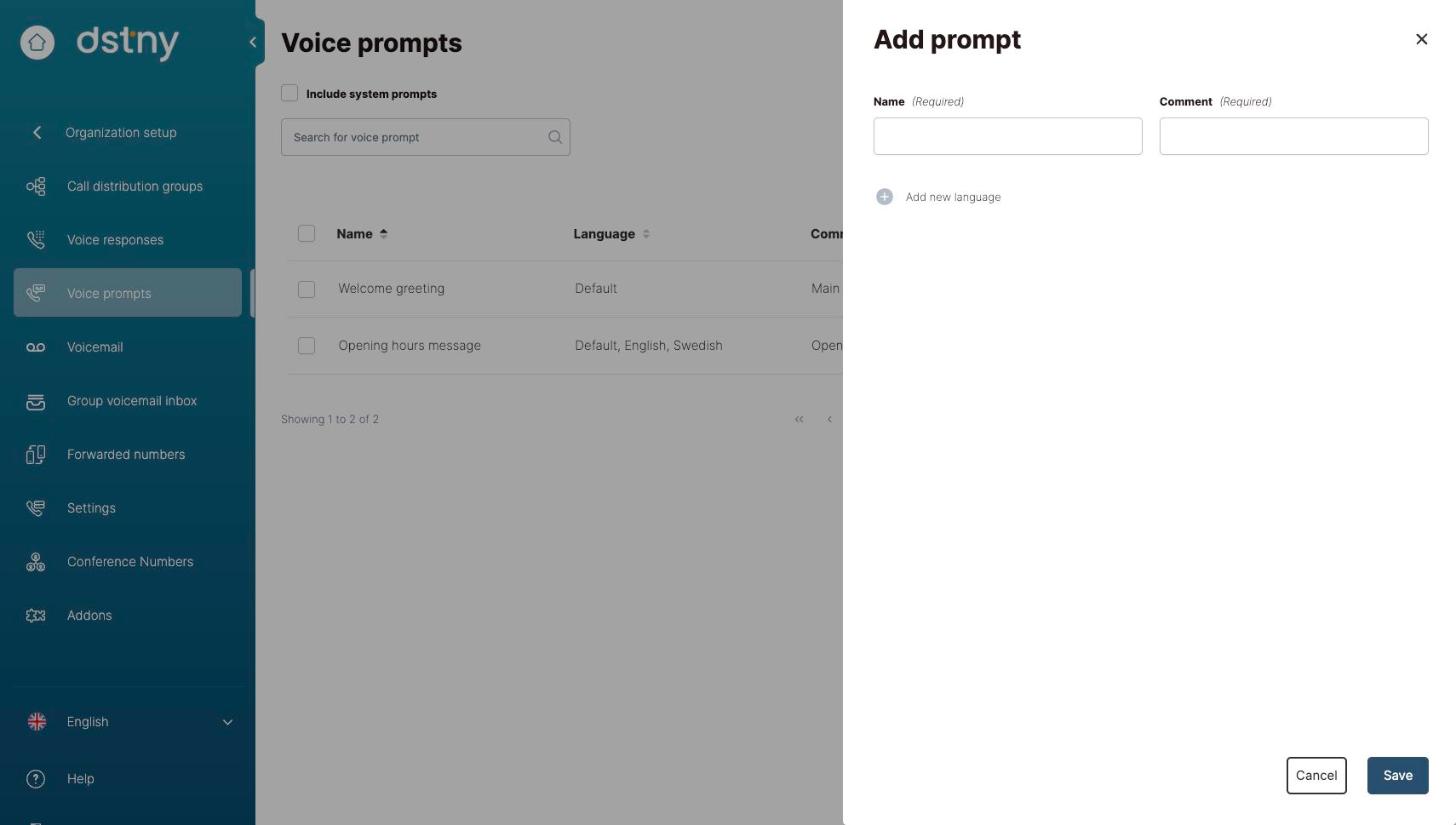
You can add the audio in three ways:
-
Upload a file. The supported format is WAV.
-
Record the prompt directly in the portal.
-
Use text to speech, which creates the prompt with AI. Text to speech is only available if you have the permission.
You can play, edit and delete a prompt in the list. Add a language for each language your callers use.