

Adding a template to multiple desk phones
As an administrator, log in to MyAdmin using your phone system login credentials.
Steg-för-steg
Step-by-step guide
-
Click Desk Phones in the menu.
-
Select the phones you want to apply the template to.

-
Click the Apply template to multiple devices button at the top
-
In the dialog box that opens:
-
Select which buttons should use the template.
-
Select the template you want to apply (top left).
-
-
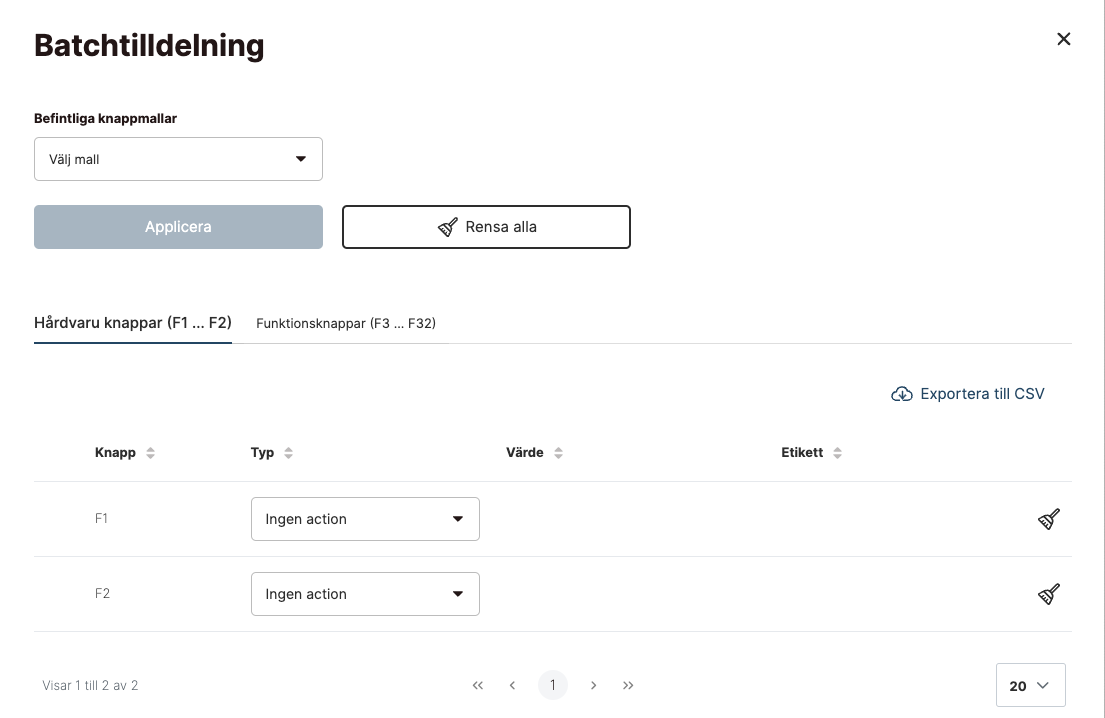
Click Save to finish. The template will now be applied to the selected devices.