

Log in to MyAdmin
As an administrator, log in to MyAdmin with the login details you use for the phone system.
Block paid services for a subscription
You can block a subscription from paid services: premium rate calls, premium rate services and directory services.
-
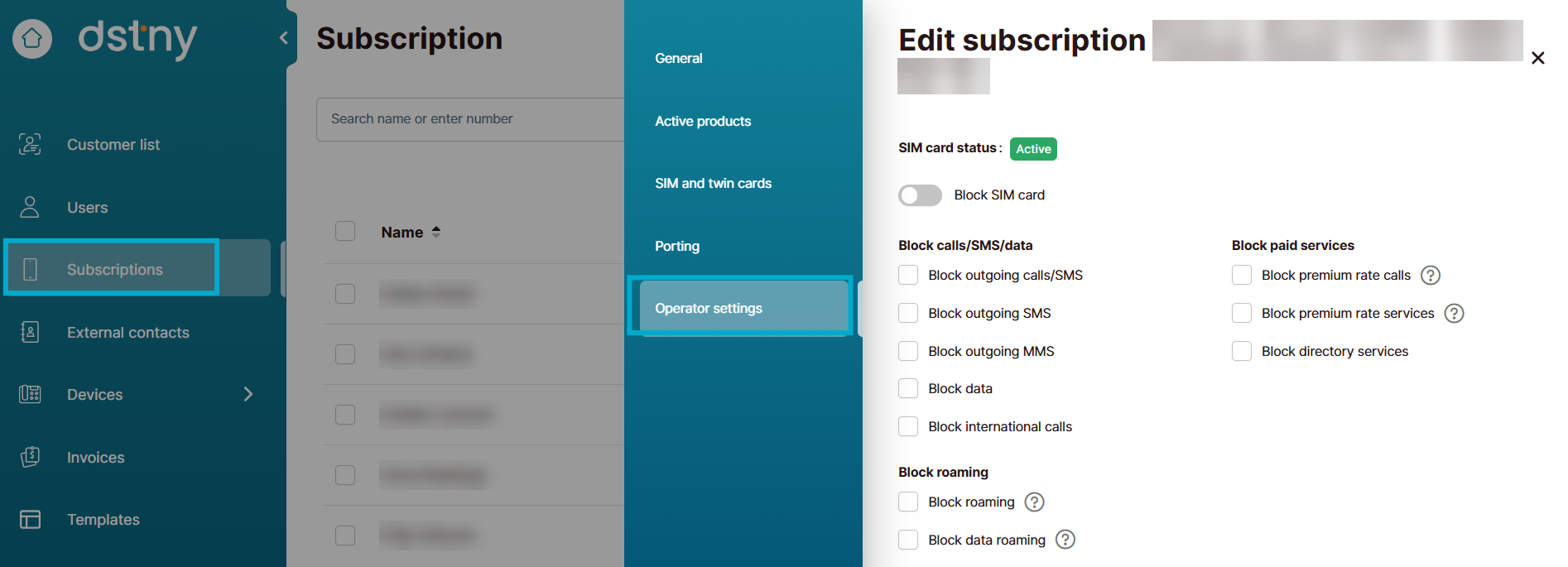
Select Subscriptions and find the user you want to block.
-
Click the three dots (...) and select Edit subscription.
-
Open the Operator settings tab.
-
Under Block paid services, tick the services you want to block for the user:
-
Block premium rate calls
-
Block premium rate services
-
Block directory services
-
Tip: Always check that you have selected the right user before you make any changes.